Fish Expressions

No, not THAT kind of expression.

Here’s my first use of expressions in OpenToonz to drive animated movement using mathematical expressions.

 

It’s a simple set of rotations that could be easily done manually but I used it to explore how to access and setup an expression that could be used (and modified) in a few copies of the same image.  For instance, three levels of rotating fish (the same image copied twice) each with a slightly faster rotation set in the expression.

The basic expression is just:  Frame*20

That means that on frame 1 the value is 20 degrees of rotation

On frame 2 the result will be 40 degrees

On frame 3… 60 degrees

Frame 4… 80 degrees

…and when we get to frame 5o the result is… well overkill.

As soon as we hit 360 we are rotating a second time so a cyclic sequence would likely work better but again this was only a test.

With expression we could use input to drive other motion to speed up or decelerate an action or to move one object twice as fast as another.  Expressions could even be used (theoretically as I haven’t explored how deeply OpenToonz expressions go) automation of objects so that as the approach another they are either drawn in or repelled.
 

Posted in Uncategorized | Leave a comment

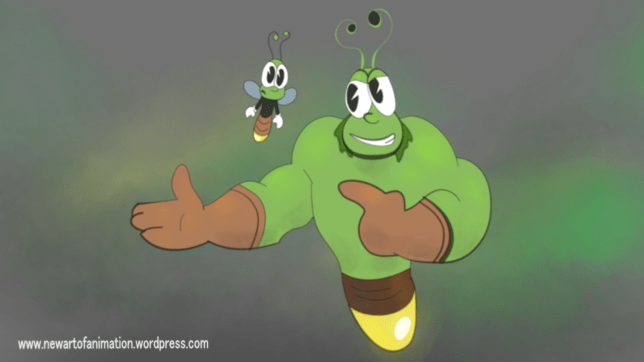
Yes little buddy, it can.

Sometimes my testings get out of control.

In this case I thought I might try to make some old fashioned eyes while refining the smoothness of drawing (smoothness setting) and use of the Tape Tool to form the little triangular cutout of the pupil.  The Tape Tool works best for this purpose when set to ‘Endpoint to Line’ as opposed to “Endpoint to Endpont” or “Line to Line”.


I was pleased with the results and the next thing I knew I was drawing a character (little firefly)… when a big firely… then needed a background… then started animating…

The sequence blends a variety of vector and raster lines and shapes together along with a background and overlay of ‘environmental space’ using Mypaint brushes.  I figured I’d stop there pending some reason to continue with these fellows.  They might be worth revisting.


The dialogue:

Little guy:  I didn’t know OpenToonz could do that.

Big guy:  Yes little buddy, it can.

So anyway, this image and many more to come, brought to you from start to finish courtesy of OpenToonz.

Disclaimer: I don’t particularly care for the old fashioned eyes in this style but I figured that if I ever need to create those I might want to know how best to do it.  It seems to fit the characters.

OTFireflyov


Posted in Uncategorized | Leave a comment

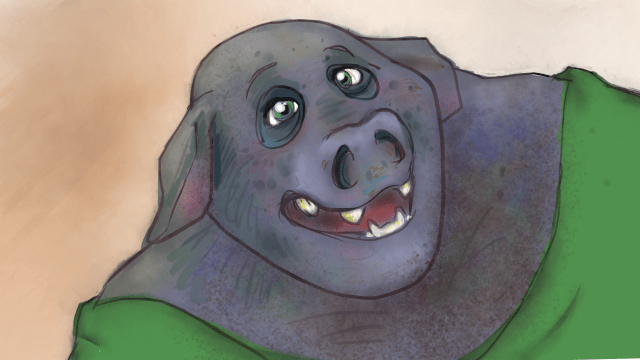
Random Pig

A test of texturing and line control control…

pigprogression

Posted in Uncategorized | Leave a comment

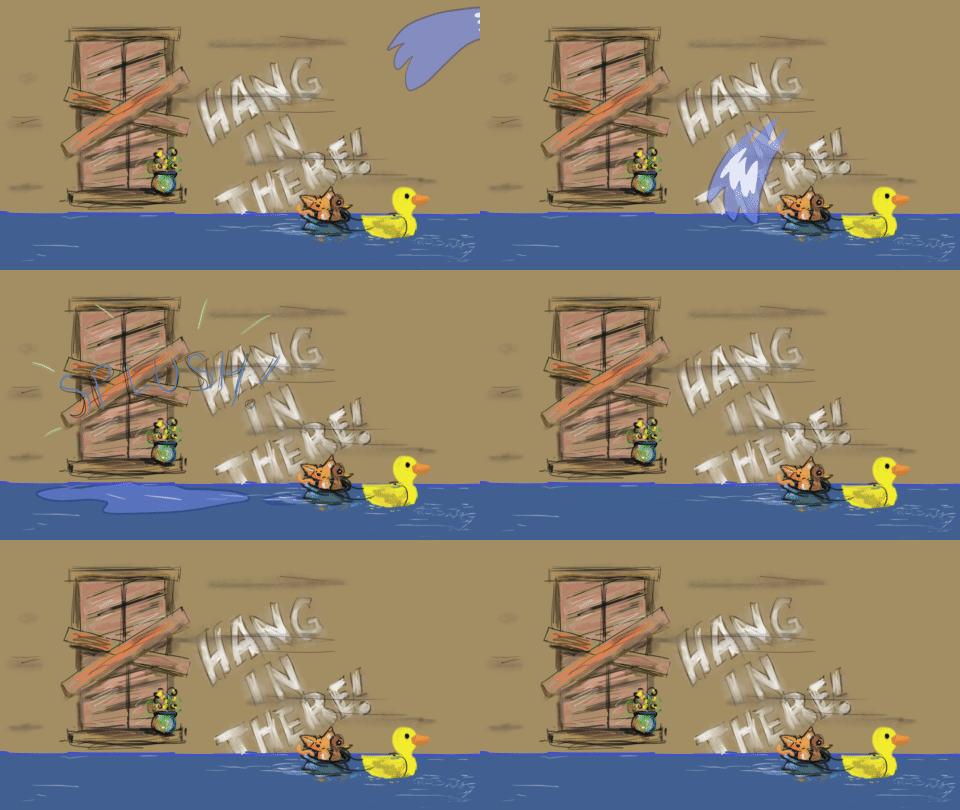
A message to those facing floods

Hang in there!

Posted in Uncategorized | Leave a comment

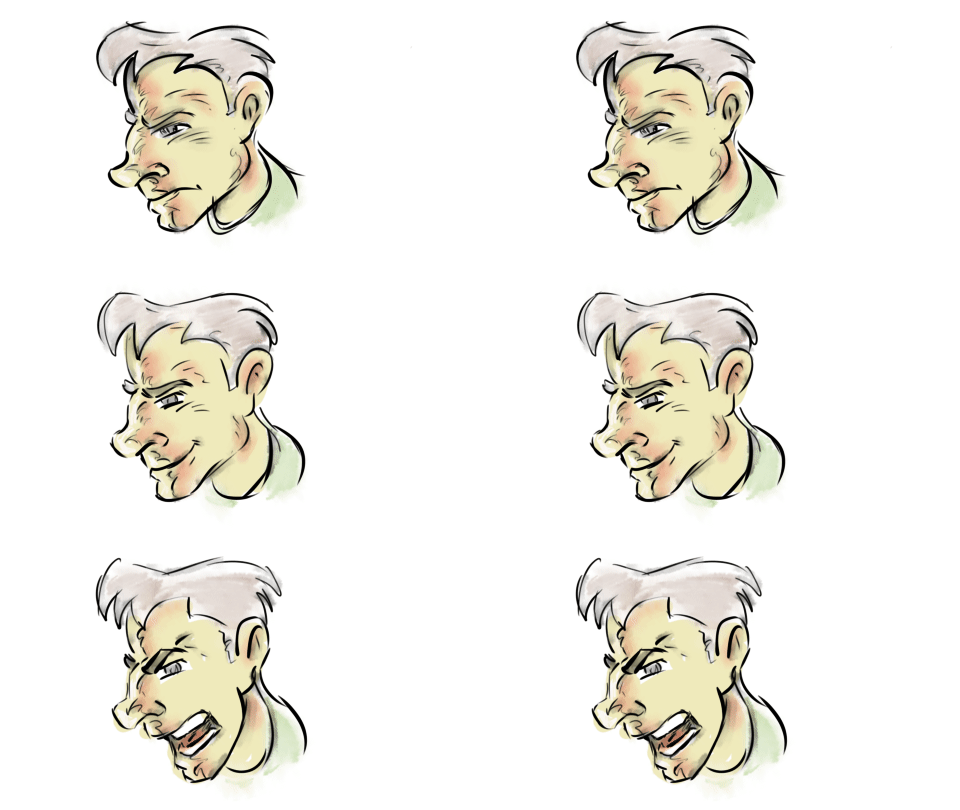
More MyPaint doodles

Posted in Uncategorized | Leave a comment

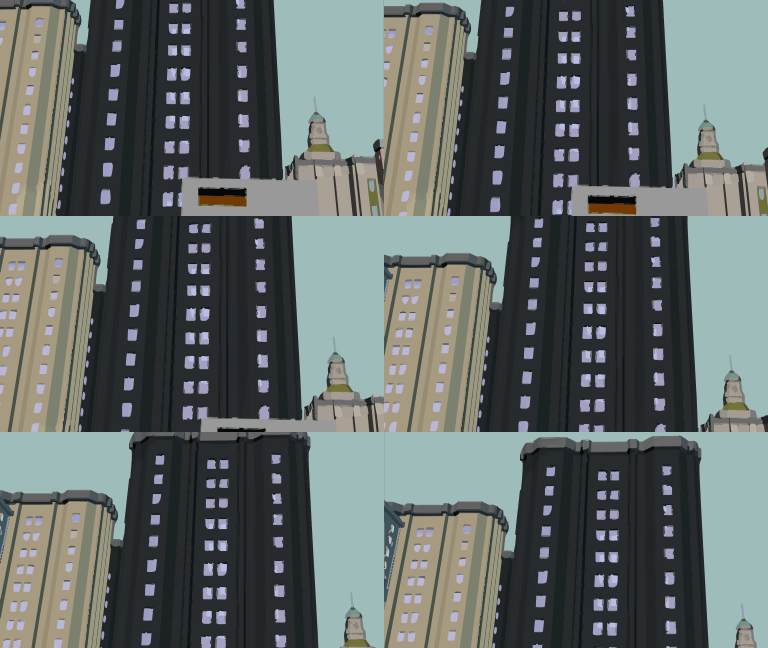
New Building Resources added to A:M Exchange

Background buildings added to the A:M Exchange courtesy of Jason Hess and others.

Posted in Uncategorized | Leave a comment

Initial test of watercolor brush

Random watercoloring test…

(Result:  Confirmed.  Rodney is not much of a watercolor painter)

Posted in Uncategorized | Leave a comment

Discovered a new shortcut: the Select Tool’s Pump Tool widget

Ha!  I was looking into something else when I saw a strange artifact on my screen capture and wondered why it might be appearing.

Turns out it is a feature and not a bug/defect!

Go figure.

Posted in Uncategorized | Leave a comment

Screen to Gif (updated)

One of my favorite programs (possibly #4 for design, implementation and potential) has been updated.  It should be a tool in any animator’s arsenal.

It is only available for Windows (sorry Mac and Linux users).  You can probably run it using bootcamp or emulators:

https://github.com/NickeManarin/ScreenToGif/releases

Note the portable version.  Use that one if you can as it doesn’t even need to be installed.  Run it from your USB stick!

What’s new?

• New color quantization algorithm for the encoder 2.0.
• An installer is available.
• Options to automatically adjust the window based on the frame size and to automatically adjust the image zoom based on the window size (after loading a project).
• New translation: Dutch.
• Updated the German, Italian, Portuguese (Brazilian), Simplified Chinese, and Russian translations.
• A message appears before deleting frames or discarding the project. It’s optional, you can disable this later.
• The updater detects which type of update it should download (portable or installer).

Bug fixes:

♦ The Insert window was not taking into account the DPI of the image being inserted.
♦ A bug related to the crop feature under a high DPI environment.
♦ The recorder window could stay out of view if it was previously used on a monitor that got disconnected.
♦ After unplugging a monitor, the recorder window was not adjusting its position.
♦ The “Go to frame” feature was not displaying the correct frame.
♦ After deleting frames, the project info was not being saved into the file (project.json). This was causing some false warnings while trying to load the project later via “Recent Projects”.
♦ Added the missing “New Board Recording” context menu entry on the editor window.
♦ Several bugs with the new recorder that happened when using screens to the left or above the primary screen.
♦ The recorder feature called “snap to window” wasn’t working with windows on screens to the left or above the primary screen.

Known bugs:

♠ OutOfMemory exception when importing videos.
♠ ‘{DependencyProperty.UnsetValue}’ is not a valid value for property ‘FocusVisualStyle’ when opening a ComboBox. Please, help me find how exactly this can be triggered.

Experimental features

• Full screen recording.

Posted in Uncategorized | Leave a comment

Mama, can I be a tiger when I grow up?

Tried out the ‘tall grass’ MyPaint brush…

And without the grass…

growingup2Multiplane

Posted in Uncategorized | Leave a comment