Motion Monster Has Arrived (Everything old is new again!)
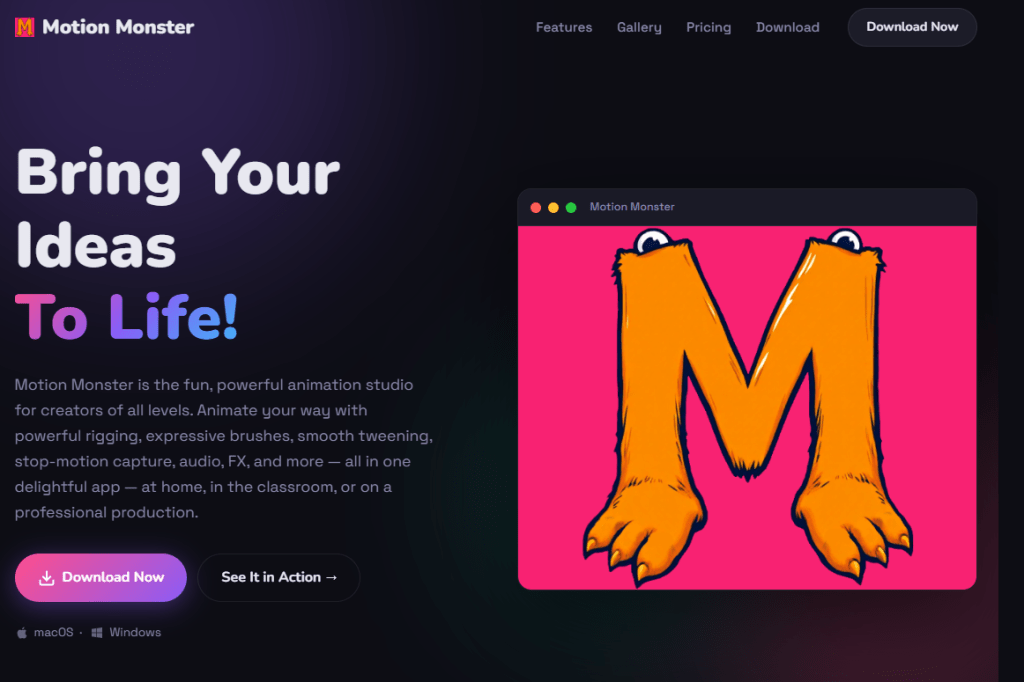
Motion Monster has officially launched as a new all-in-one animation program for Windows and macOS.
Some longtime readers may remember the MotionMonster name from an experimental OpenToonz-based release discussed here back in 2016. This new Motion Monster is something completely new and different: a standalone animation studio designed to bring different approaches to animation together inside one application.
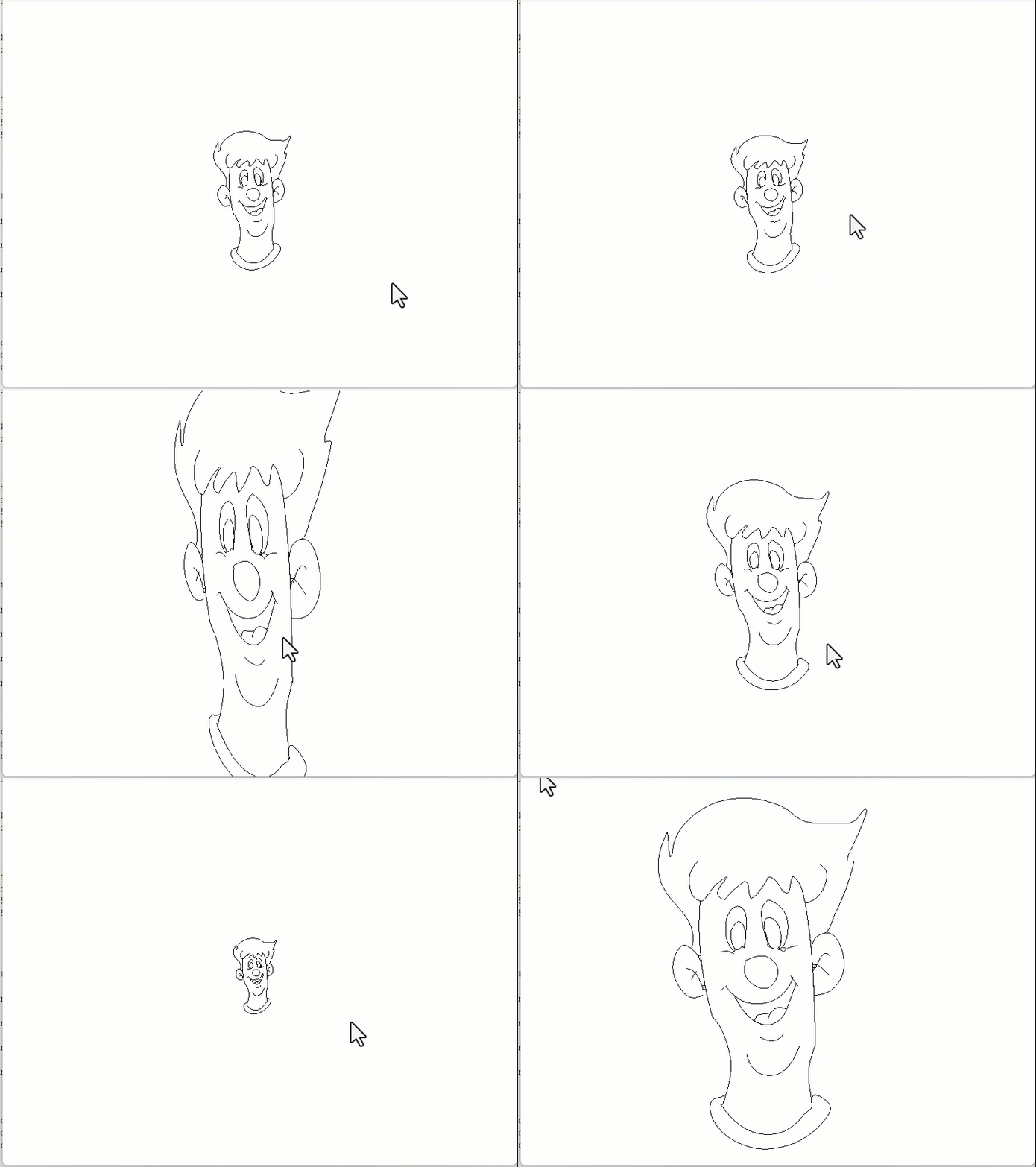
Motion Monster supports traditional frame by frame drawing, character rigging with inverse kinematics, automatic tweening, stop motion capture, audio, visual effects, asset libraries and even physics simulation. The goal would appear to supply an animation program that is approachable for classroom students and new animators while still offering extensive and innovative collection of production tools.
More Than Stop Motion
Although Motion Monster includes a dedicated stop-motion workspace, it is not limited to captured animation.
Animators can hand draw frame by frame animation using its brush engine, construct and pose rigged characters, generate in betweens with smart tweening and organize scenes through a multilayer timeline. Audio can be imported or recorded directly in the program, allowing animation to be synchronized with dialogue, music and sound effects.
Stop motion tools that support webcams are available in the free edition, with live view, onion skinning and focus assistance. Canon EOS camera support is included with the paid Studio edition.
The application also includes figure and scene effects such as glow, blur, outlines, grain and pixelation. The Studio edition expands this with particles, additional effects, line wobble controls and live physics that can be baked into animation keyframes.
The Free Edition
The free version includes:
- Frame by frame animation
- IK character rigging
- Smart tweening
- Webcam stop-motion capture
- Use of up to three layers
- Drawing brushes and textures
- Basic figure and scene effects
- Audio importing and recording
- An asset library
- MP4, GIF and PNG output up to 1080p
There is no account requirement and no subscription.
Motion Monster Studio
For animators who need the expanded toolset, Motion Monster Studio is sold as a one time purchase.
Studio adds unlimited layers and linked colors, Canon EOS support, physics simulation, advanced effects, audio waveforms, custom brush stamps and textures, transparent image export and output at resolutions up to 4K.
The normal Studio price is listed as $29.99, with a launch price of $14.99 at the time of release. That’s what I grabbed!
Built for Animators
Motion Monster describes itself as suitable for home users, classrooms and professional productions. The software was created by a teacher, and the developer has also published an accessibility statement aimed at schools and organizations.
That combination is especially interesting. Many animation applications focus on one particular technique: drawing, cutout animation, stick figures or stop motion. Motion Monster attempts to place all of those processes within the same accessible environment.
Whether animators choose to use every part of that toolset remains to be seen but the free edition makes it easy to explore the program without making a deeper commitment to exploring the more technical aspects of digital animation.
Motion Monster is available now for 64-bit Windows 10 or later and for macOS 11 Big Sur or later, including both Intel and Apple Silicon Macs.
Visit Motion Monster at: