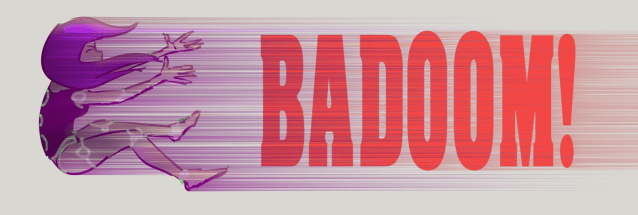
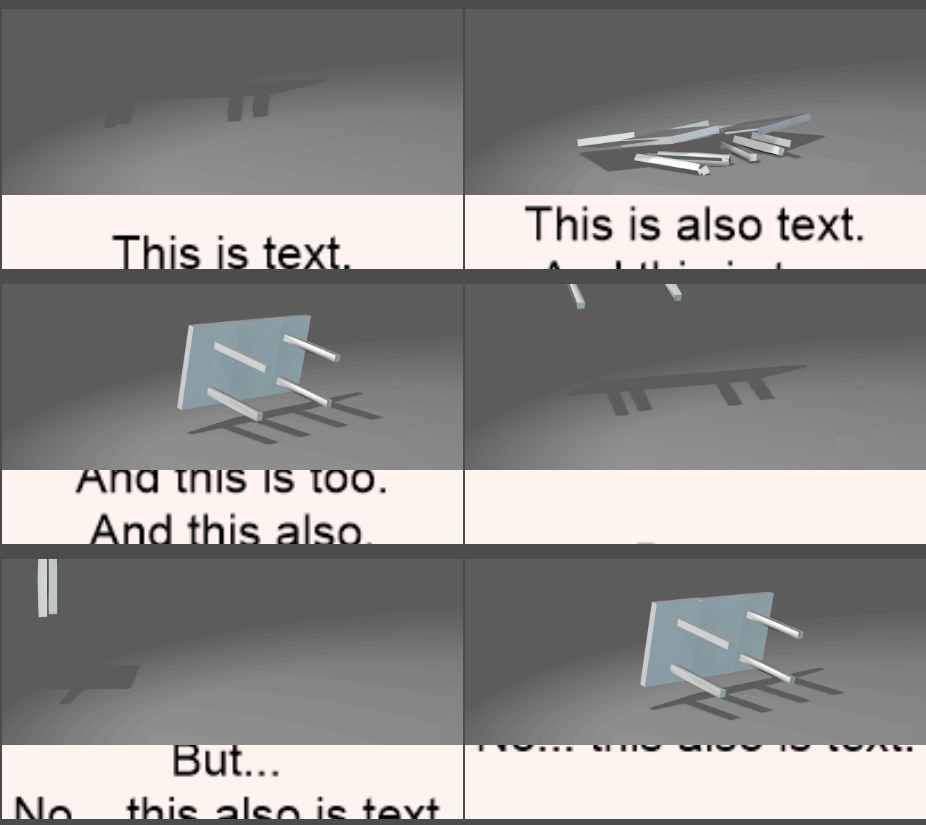
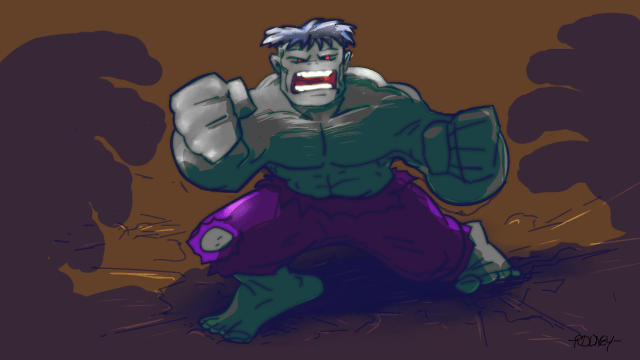
Attempting to answer a question posed in the OpenToonz forum, here’s a test of a basic bloom effect created with Blur and exposure. (We are blooming in reverse of course in this example)

Attempting to answer a question posed in the OpenToonz forum, here’s a test of a basic bloom effect created with Blur and exposure. (We are blooming in reverse of course in this example)
Is it a game? Is it a tool?
The basic idea is to take a hastily created drawing and work it out (that is to say refine and repair it) so that it works in two or more perspectives.
For additional challenge (i.e. for more experienced artists) add in a target style to hit such as limited animation style (als Hanna Barbera) or Disney or one of many anime styles.
Here’s an example where the target style is basically that of the character used for demonstrating walk cycles by Preston Blair. Note that much of the interpretation is pretty straightforward but the shoulders and hips get ‘repaired’:

R
Someone asked, “Does OT have a pixelate effect”?
It does but I think it is called ‘Mosaic’.
Go get https://opentoonz.github.io/e/download/sample.html

OpenToonz Sample Data
A little change in one setting can make a big difference…
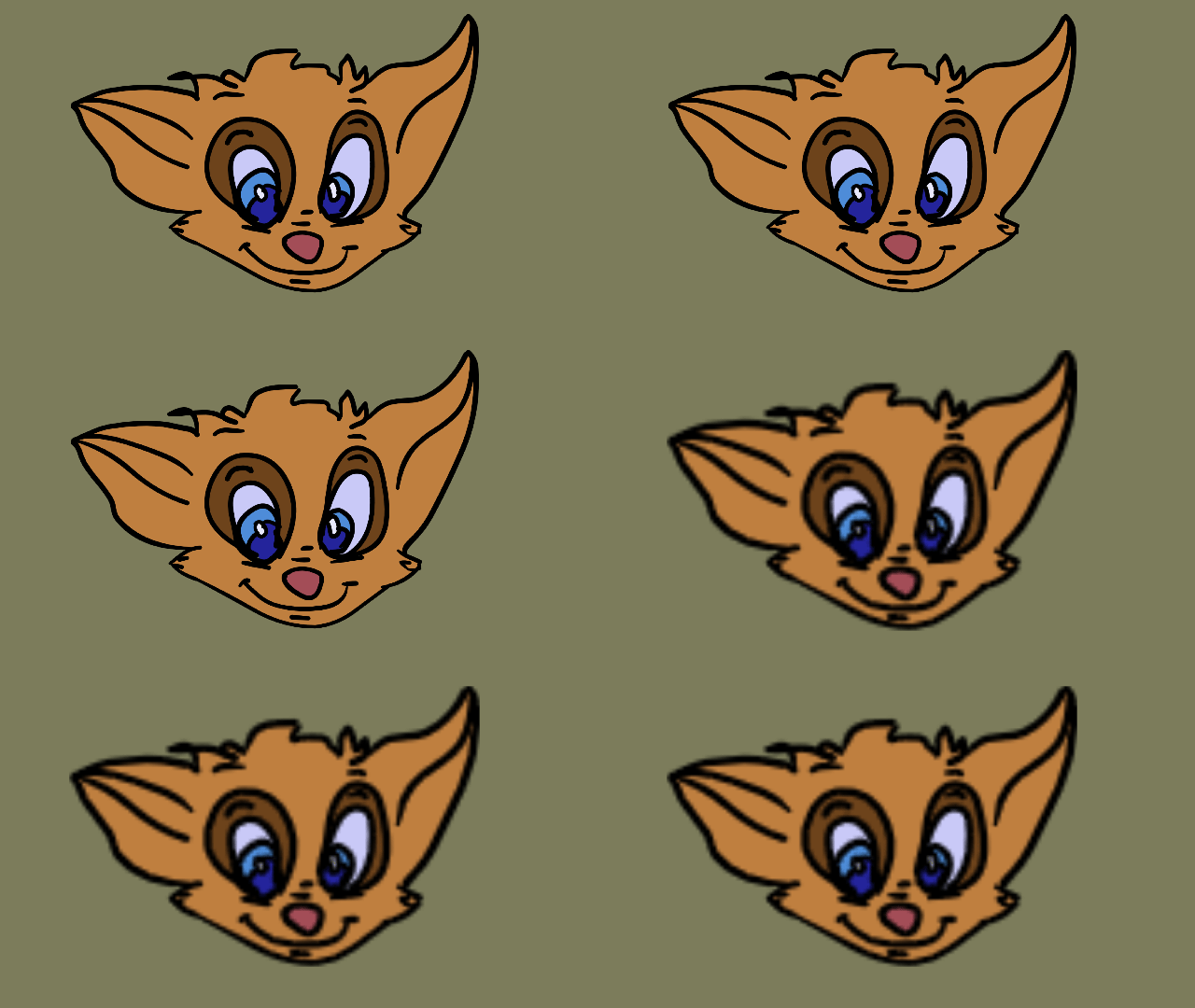
I wanted to test a few colors on the characters and then they needed a scene to stand in…

Demonstrating how a gradient fill may disappear temporarily during a conversion from vector to Toonz raster but how it can automatically return when converted again.
So, it’s important not to panic and think it’s lost as that might lead to actually losing the fill.

 | Rodney on Using Reference: Part 503… |
| Rodney on Disney’s ‘The Layo… |
| Rodney on Disney’s ‘The Layo… |
| Rodney on Disney’s ‘The Layo… |
| Rodney on Disney’s ‘The Layo… |