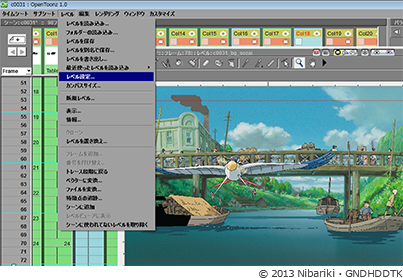
Random screen capture
From Kibate Kaito (and the OpenToonz Users Forum comes the following tips:
Creating New Frames
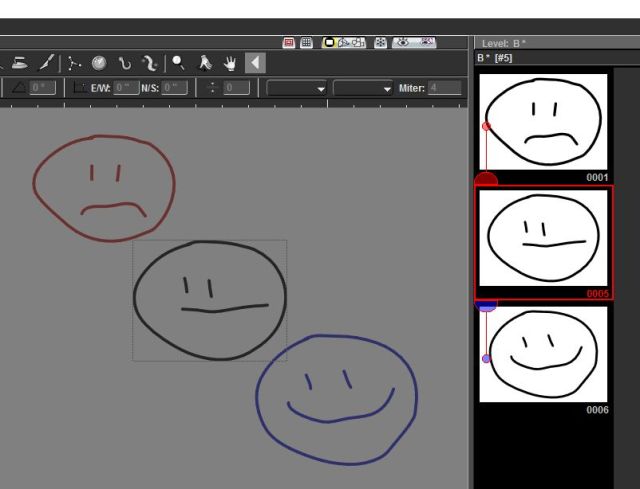
In the “PltEdit” Mode, you can see the frames of your scene. Try drawing in the image and you will see the first frame is automatically being created. If you click on the second frame and then draw on that one, it will create automatically a new frame in that one as well. There are some other tools as well, but this is the basic, just look around.
Onion Skin
As for onion skin, it exist. In that window where you draw on to, right click on it. It says there “Active Onion Skin”, it will create a transparent look at the last 3 frames. Unfortunately i haven’t been able to work out if it can create transparent following frames as well, or any way to increase or decrease the number of frames that are being shown
Rendering
(OpenToonz) renders the background black if you save it as a file format that doesn’t support the alpha channel. Meaning with no backgrounds set, it will be black(thus if you only have black lineart in it, it will appear empty) if you use a file format that supports alpha(like .png) the bg will be transparent.
There are 2 ways to add background. First, the improvised method. Just add another layer at the bottom(or in this background at the far left of the timeline) and add a white rectangle(or whatever color you want).
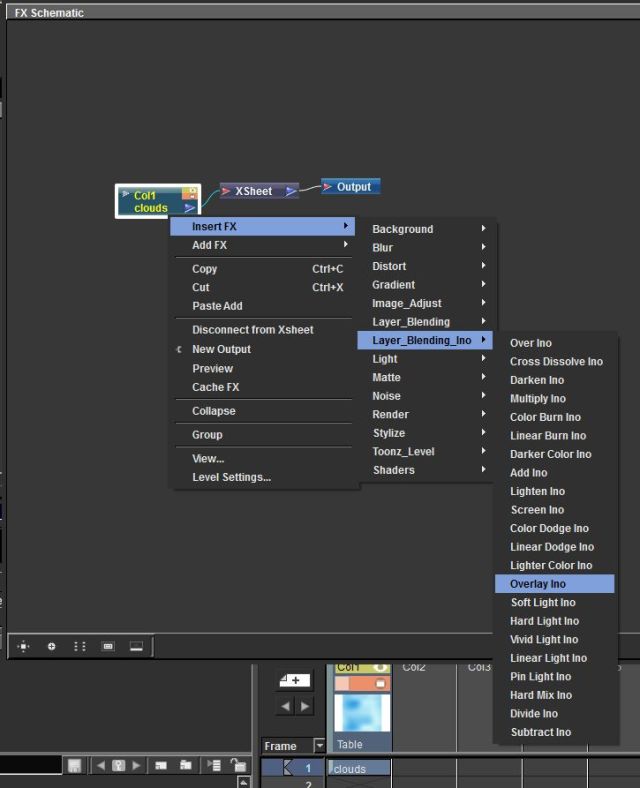
There is also a proper way to add backgrounds: Under “windows” at the top bar, click on “other windows” then on “Schematic”. The Schemativ window is used to add effects, customization and other features to layers/camera/etc. At the bottom right is a little icon that looks like 2 windows overlayed with each other, called “Toggle FX/Stage schematics”, click on that.
First a bit of explanation. The individual layers are connected to Xsheet, which is similar to a “paper”, while the Xsheet is connected to “Output” which is the final merge of everything. Right click on an empty space in that window and you can see a “Add FX” under that is a “Background” and under that click on “Color Card”. Now you have a background. If you double click on the new effect, you can modify the backgrounds color. It won’t appear in the worksheet, but it will appear in the preview render window.

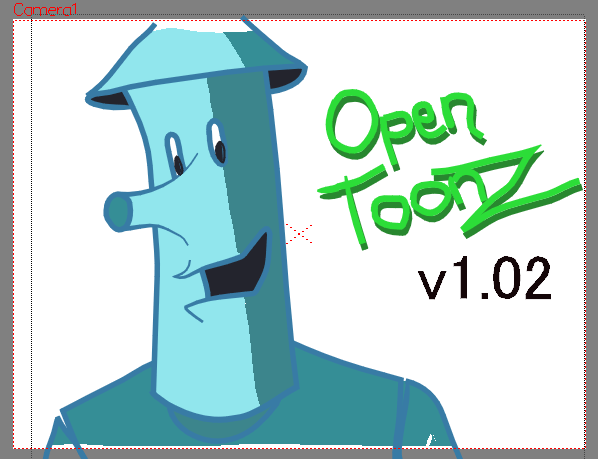 OpenToonz v1.02 has been released and it collects the various nightly builds together that restore much needed functionality as well as adds a Save All option that was sorely needed.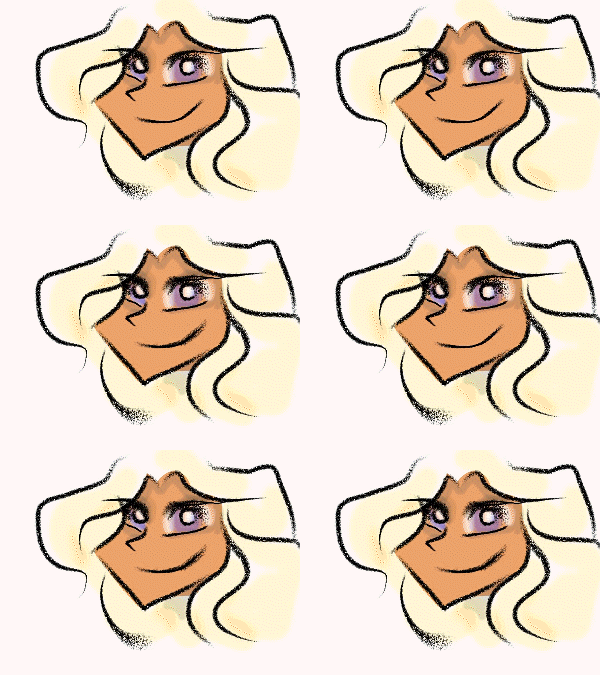

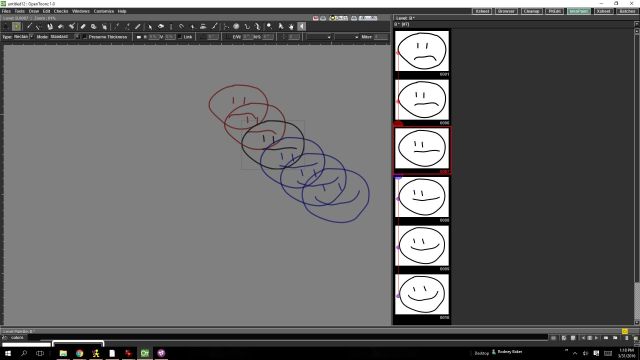

 Someone asked about blending drawings and such.