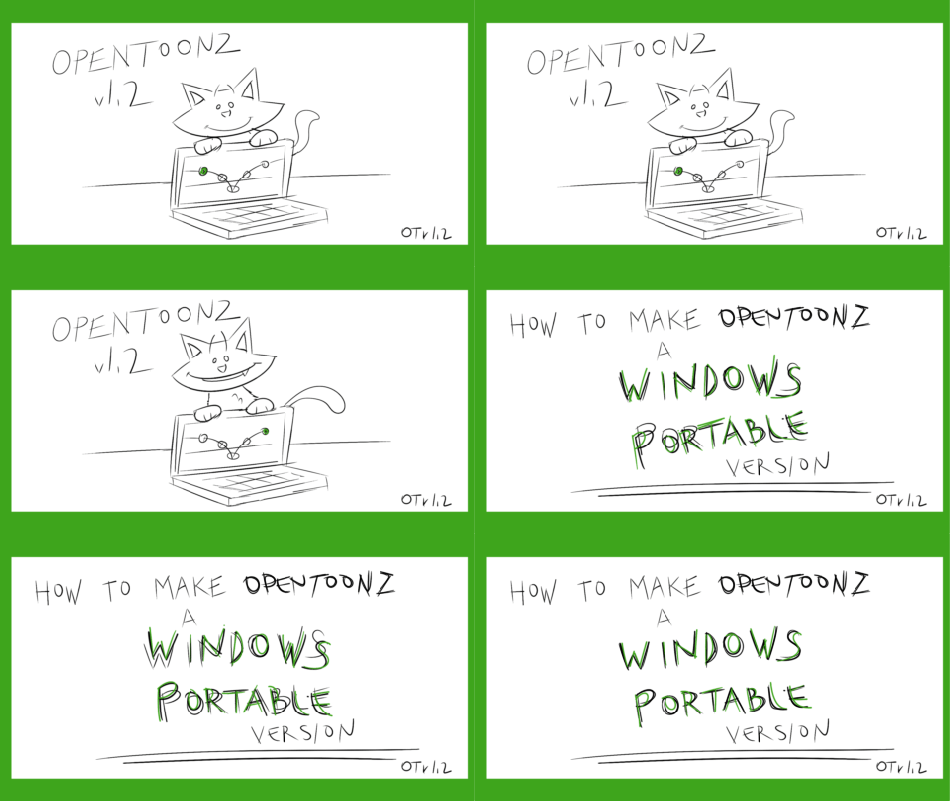
How to make OpenToonz portable


I’m debating how I might proceed with a set of short tutorials focusing on OpenToonz , Blackmagic Design Fusion, Animation:Master and other useful programs and utilities.  These tutorials would be designed to be small, compact and accessible while using the tools themselves to create the tutorial.

If you’d like to see this tutorial continue or have a request for something specifically please let me know in the comments.


How to make OpenToonz portable


(potential) Topics of discussion

Why do we want to use a portable version of OpenToonz (or any program for that matter)?

What are the basic steps required to make OpenToonz portable.

What are the Pros and Cons?


Posted in Uncategorized | Leave a comment

New v1.2 release of OpenToonz!

Congratulations to the developers of OpenToonz who have just released a new version of OpenToonz.  It’s considered a minor release but there are major changes included.

The primary reason for it being an incremental/minor version update is that file compatibility is maintained… also a very good thing.

Here is a breakdown of the changes collected in this official release.

And… keep in mind the developers are already off and running toward the next version so keep an eye out for useful updates distributed in the nightly releases too.

Release Notes

Please uninstall the previous version before installing V1.2.0.

FEATURE

  • Horizontal timeline option in Xsheet. #1019 #1570 #1573 #1618 #1669
  • MyPaint brushes for raster levels. #1124 #1525
  • Snapping and frame range options for vector brush. #1319 #1429
  • Guided drawing for vector brush. #1297
  • Command Bar panel. #1425 #1448
  • Lip Sync popup #1289 #1580 #1612
  • New Fx : Timecode Iwa for displaying the current time code. #1263
  • New Fx : Bokeh Ref Iwa for defocusing a single image by using a depth reference image. #1555
  • New Fx : Pass Through, utility fx for unifying the input of macro / grouped fx. #1353
  • New option : UI Font Family and Weight. #1386
  • New option : Use Camera DPI for All Imported Images. #1300
  • New option : New Levels Default to the Current Camera Size. #1256
  • New option : Enable OpenToonz Commands’ Shortcut Keys While Renaming Cell. #1451
  • New option : Xsheet Column Header Layout. #1347
  • New option : Dropdown Shortcuts ( behavior on tool option ). #1420
  • New option : Show Current Time Indicator (Timeline Mode only). #1522
  • New option : Path Alias Priority, which enables to specify level paths as the relative path from the scene’s parent folder using “$scenefolder” alias. #1513
  • New option : Sync Level Strip Drawing Number Changes with the Xsheet #1464
  • New option : Down Arrow at End of Level Strip Creates a New Frame. #1028
  • New command : Auto Input Cell Number. #1479
  • New command : Reframe with Empty Inbetweens. #1485
  • New command : Paste Numbers. #1530
  • New commands : Vectors to Toonz Raster and Replace Vectors with Simplified Vectors. #1410
  • New commands : Flip Viewer Horizontally / Vertically. #1356
  • New command : Export Soundtrack. #744
  • Enabled to use template settings for preferences and shortcut settings (*1). #1366 #1456 #1535
  • Enabled to use template settings for user env file (*2). #1531
  • Enabled to make all Windows builds to be portable (*3). #1381
  • Enabled to edit values in all value fields with middle mouse drag (*4). #1362 #1596 #1651
  • Added Russian translation. #1332 #1565
  • Added Mojo brush set for MyPaint raster brush. #1539
  • Added Note Level type. #1322 #1575 #1647
  • Added touch screen control (*5). #1437 #1621

BUGFIX

  • Fixed Type tool on OSX. #1294 #1428
  • Fixed pen glitch on OSX. #1304 #1360 #1659
  • Fixed the studio palette path on OSX. #1253
  • Fixed crash when using camera capture on OSX. #1383
  • Fixed crash when using Shader fxs. #1308 #1517
  • Fixed crash when using HLSNoiseIno fx and other “Ino” fx series. #1427
  • Fixed crash on using brush presets #1440 #1447
  • Fixed crash on Tasks window with non-English environment. #1441
  • Fixed crash when using Selection tool on raster levels. #1476
  • Fixed crash when viewing audio levels in Scene Cast #1482
  • Fixed crash when merge more than two toonz raster levels. #1480
  • Fixed crash when renumbering raster or toonz raster level. #1498
  • Fixed crash when setting negative frame number to the console. #1574
  • Fixed crash on closing scene with floating selection remains. #1652
  • Fixed string functions. #1118
  • Fixed saving the custom layout file on quit. #1306
  • Fixed to save the “column icon loading policy” preference option properly on non-English environment. #1323
  • Fixed vertical padding on spritesheets output. #1259
  • Fixed setting of new level name for vector level. #1261
  • Fixed popup locations not to get moved off screen. #1287
  • Fixed version mismatch in tfarm. #1140
  • Fixed cleanup problem when the source image has no dpi. #1391
  • Fixed preferences saving behavior for “theme” and “languages”. #1403
  • Fixed panels grayed out when switching window maximization. #1288
  • Fixed env file path setup. #1457
  • Fixed for missing hook display on Hook tool. #1466
  • Fixed for foreign characters and apostrophes used in the level name. #1468
  • Fixed preview and camera toggle behavior for sound level. #1472
  • Fixed cell selection released on right-click. #1501
  • Fixed boolean (checkbox) tool option not changed via shortcut key if even number of tool option bars are opened. #1542 #1563
  • Fixed duplicate Cell Drag preferences options. #1584
  • Fixed fill behavior on Toonz Raster. #1540
  • Fixed renumber command on Level Strip. #1598
  • Fixed for fx parameter expression with hyphens. #1613
  • Fixed “Replace Parent Directory” command fails on the first call. #1626
  • Fixed Raster Selection tool fails to deform the image properly if the selection go beyond the canvas border. #1655
  • Fixed various bugs in Xsheet. #1335 #1376 #1550 #1604
  • Fixed various bugs in camera capture #1314 #1515

ENHANCEMENT

  • Updated Qt version to 5.9 #1517 #1545 #1569 #1588 #1611
  • Added audio scrubbing in Combo Viewer. #1260 #1302 #1343
  • Added autosave option to startup popup. #1265
  • Added Autopaint Lines option in Fill tool. #1564 #1605
  • Added histogram-based level adjust feature in camera capture. #1390
  • Added information label and previous level button in camera capture. #1407
  • Enabled to save scene on creating the subfolder in camera capture. #1496
  • Enabled enter key to end polyline. #1250
  • Enabled shift key to draw a straight line. Zero thick lines become visible on vector drawing. #1307
  • Enabled snapping for all shapes in the geometry tool. #1328
  • Enabled drawing substitution on subxsheet and note levels. #1286
  • Enabled column’s color filter on vector levels and on rendering. #1461
  • Enabled to show renamed names in MacroFx ports. #1355
  • Enabled to adjust autoclose value via TEnv for maintenance purpose. #1467
  • Enabled undo for editing styles with the auto apply and for toggling autopaint option. #1558
  • Enabled to use tool-specific keys overriding the command shortcuts. #1568
  • Refined right-click menu of the Xsheet cell area. #1516
  • Changed the default values and shortcut keys. #1378.
  • Changed tool name “Edit tool” to “Animate tool”. #1351
  • Changed command name “Revert to Last Saved Version” to “Reload”. #1465
  • Changed parameter name “zanzo” to “Afterimage” in motion blur fx. #1413
  • Changed preferences option name “Style” to “Theme”.
  • UI enhancement. #1313 #1380 #1397 #1400 #1405 #1426 #1442 #1453 #1474 #1483 #1487 #1497#1514 #1541 #1597 #1624 #1625 #1644
  • Source refactoring. #1336 #1524 #1623 #1668
  • Build scripts fixes & enhancements. #1373 #1449 #1523 #1585 #1587
  • Docs updates. #1301 #1325 #1409
  • Translation updates. #1340 #1431 #1450 #1471 #1469 #1484 #1486 #1495 #1519 #1505 #1593#1610 #1632 #1633 #1653 #1662 #1666

NOTES

  • (*1) To use this feature, save the template preferences and shortcut settings in $TOONZPROFILES\layouts\settings\preferences.ini and $TOONZPROFILES\layouts\settings\shortcuts.ini respectively.
  • (*2) To use this feature, save the template user env in $TOONZPROFILES\env\template.env
  • (*3) To run OpenToonz in portable mode, place a “portablestuff” folder in the same directory as the main executable, including the same contents as the normal stuff folder.
  • (*4) For the function editor, ctrl+drag to change value and alt+click to clear the key.
  • (*5) One finger for pan. Two fingers for zoom or rotate. Double tap for fits to the viewer. Three finger drag for undo and redo.Note that this option is OFF by default.
Posted in Uncategorized | Leave a comment

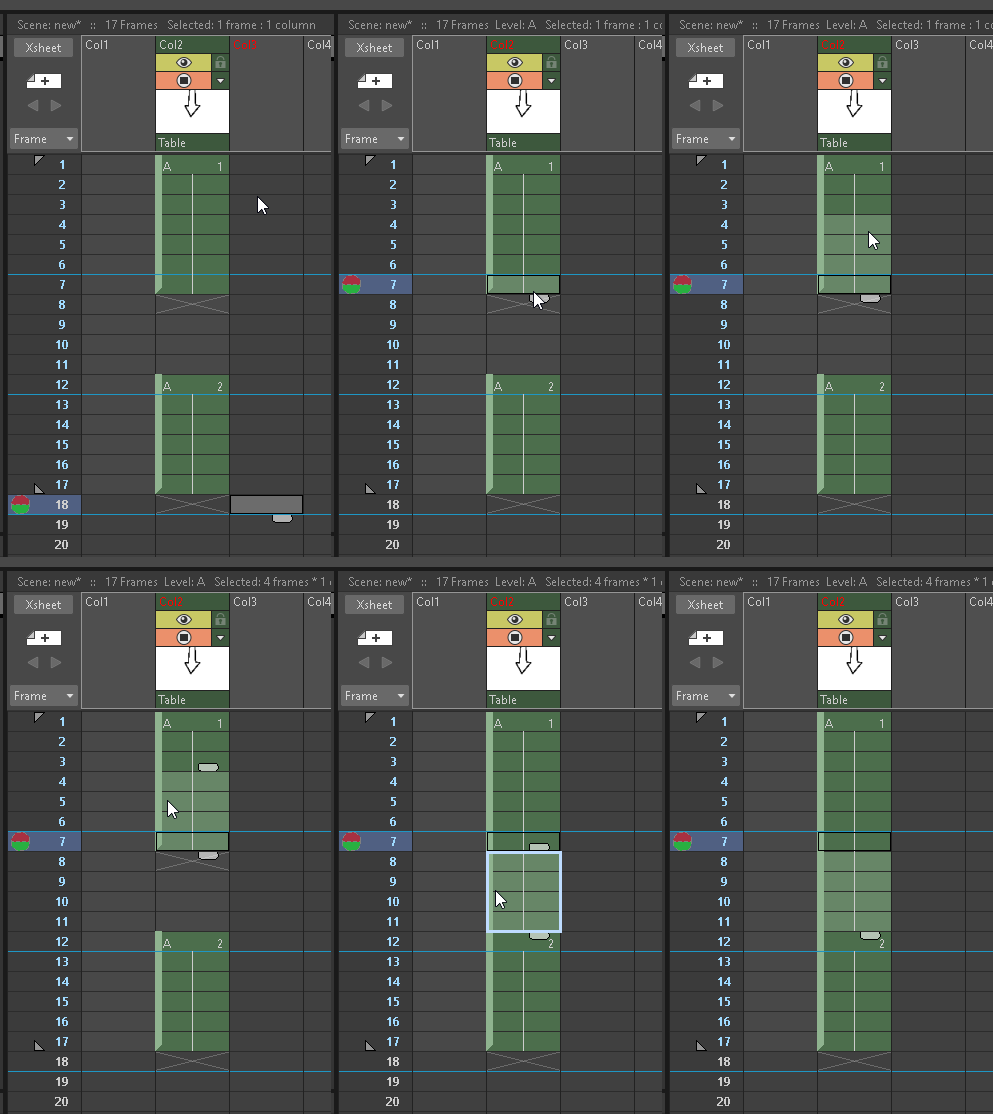
Tip: Control Drag/Drop

ControlDragDropUpward


Posted in Uncategorized | Leave a comment

Looping (Tiled) Background using TileIwa Effect

This is a quick test of the TileIwa fx node that (amongst other things) can make one screen full of background appear to continue on and on and on… seemingly forever.

Note:  The “Iwa” in the fx nodes name stands for the programmer Shun Iwasawa so don’t let that confuse you.  He’s the one that pointed me to the effect when I posted a feature request in the OpenToonz Google Group.  No new feature needed if there is already something adequate available!

In this case I have just a few randomly doodled clouds but the general goal/idea is to create backgrounds that appear to rotate around and pick up where they left off as a camera exceeds 360 degrees.

At any rate… here’s a few lines turned into many via this very useful effect.

If you look closely there is a slight seam between tilings.  A marigin can be defined but I thought I set that correctly.  I’ll have to investigate that.

Posted in Uncategorized | Leave a comment

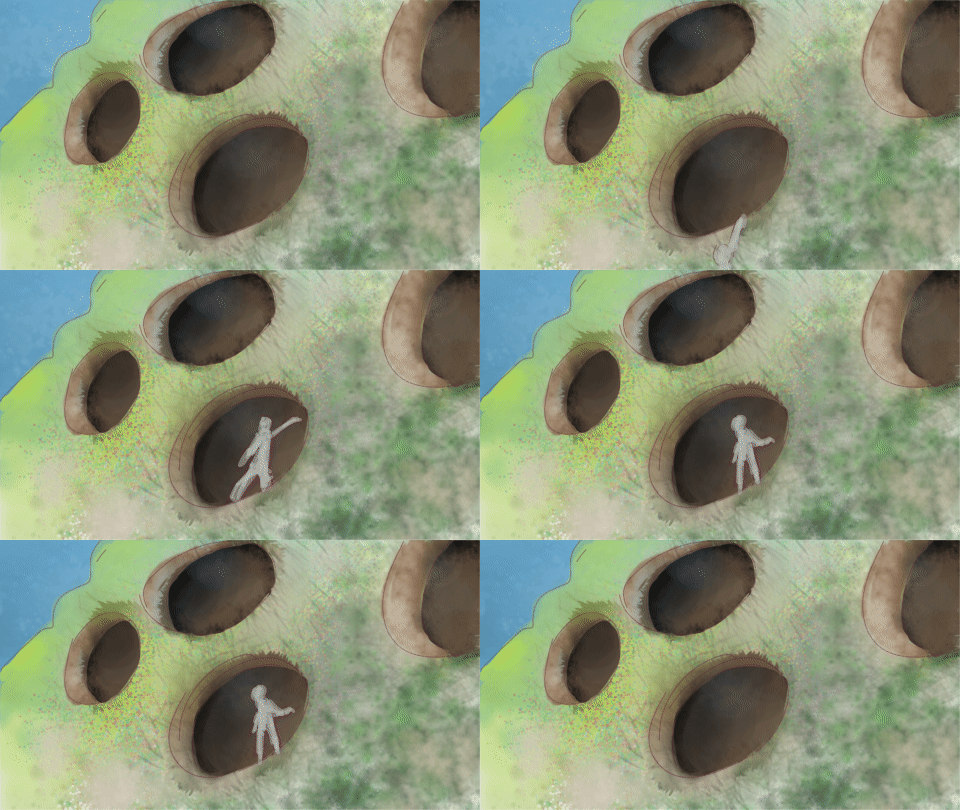
Random Storyboarding with OpenToonz

Just a quick test of workflow with no particular goal in mind other than to create a short sequence with moving background (sky), middle ground (set), and foreground character.

I suppose if there was a goal it was to set up the scene so the character had to move over the top of the set at the first but then move into/disappear behind the foreground elements.

In traditional animation this process might require registration of character with background in order for everything to work but digital workflows make the process simple and straightforward simply by ordering layers.  While not used in this sequence OpenToonz can animate the Sort Order so that things that are on front move back in depth.

Posted in Uncategorized | Leave a comment

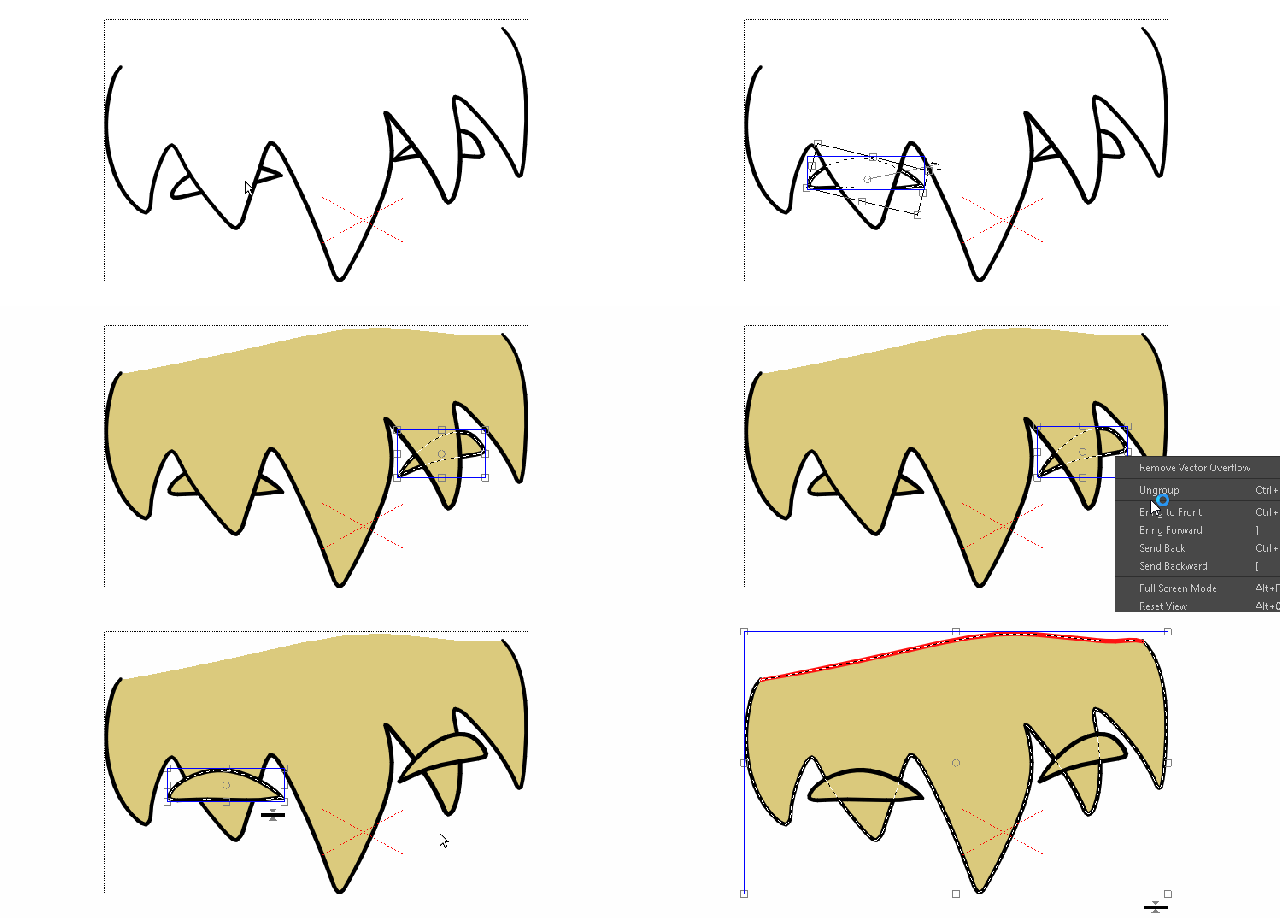
Lines vs Shapes

Posted in Uncategorized | Leave a comment

Animation:Master v19c and Blackmagic Design Fusion v9.1

Two of my favorite programs were recently updated.

Animation:Master and Fusion.  So good together.  🙂

Posted in Uncategorized | Leave a comment

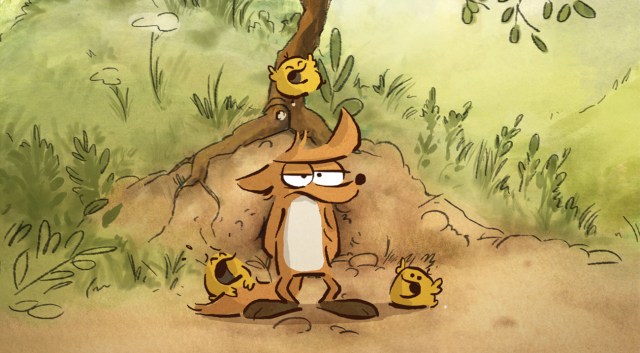
Perfection a la ‘Le Grand Méchant Renard’

Every once in a great while a work appears on the scene that validates the usefulness of cartooning, whether via comics or animation… or both in this instance.  One of the last true examples of this was Jeff Smith’s ‘Bone’ comic book which upon arrival I found restored my faith in the comic book format for storytelling.

And now there appears this fox, Renard, and the supporting cast of his adventures.

Impressive stuff.

And an interesting parallel between Jeff Smith’s ‘Bone’ and Benjamin Renner’s ‘Le Grand Méchant Renard’ and that is how the imagery so expertly tells the story in pantomime.

In the case of ‘Bone’ the first issue was almost entirely silent… a black and white printed comic masterpiece.  In the case of ‘Le Grand Mechant Renard’ I don’t follow the language so must rely on the imagery (and music) and this works masterfully.

From concept to execution and with great insight into character motivation and staging we are seeing all the various and considerably complex elements of great storytelling distilled into the very essence of performance based simplicity.  The still imagery alone is emotively appealing.  The plot itself compelling.  The internal conflict of the central character continually draws us in and keeps us engaged.   Perhaps best of all, the animation raises the whole experience to a higher level of entertainment.  In a word… perfection.

For more see:

http://folivari.com/en/projet/the-big-bad-fox-and-other-tales/


Posted in Uncategorized | Leave a comment

An OpenToonz user’s walk cycle

Imported and quickly colored o damn’s** cat walkcycle.


walkin

The first cycle is rendered out with a reframing from 25 Frames Per Second to 135 FPS.  I put the same walk cycle on 2s and it runs at about the correct pace.

**I don’t think I”llnever understand what mother’s are thinking of when they name their kids these days.

Posted in Uncategorized | Leave a comment

Xsheet Starting position

Posted in Uncategorized | Leave a comment