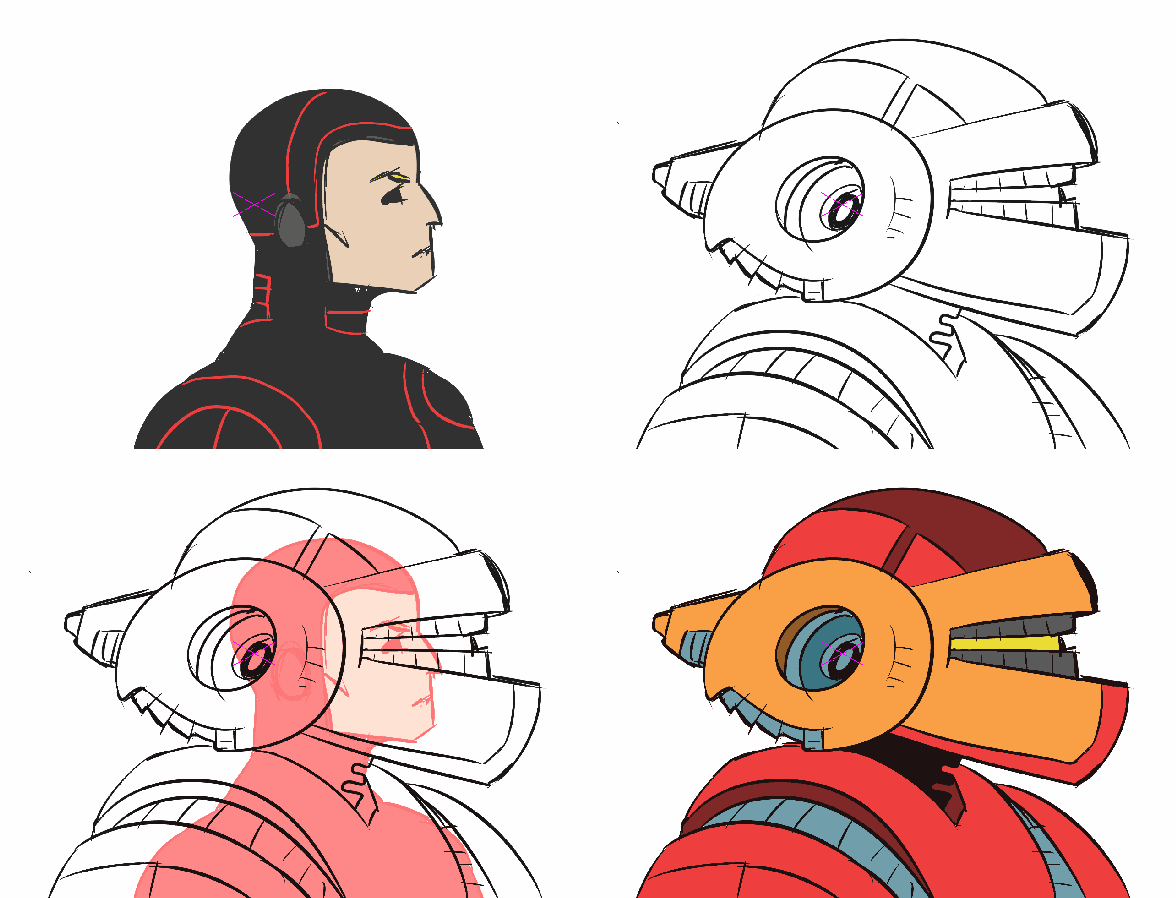
Started doodling and Kylo Ren appeared.
I keep feeling the need to grab some reference, especially with the helmet and to make it more ‘realistic’ but I kept reminding myself this wasn’t that kind of doodle. The definition of doodle implies randomness… aimlessly following lines… to see what might emerge.
The error in this effort is that too much time was spent on little things… but that was mostly an effort to explore brushes and techniques in the painting stage.
It’s interesting that the elements that define the character are pretty basic. Metal mask, cowl, red glowing laser sword that doesn’t burn cleanly like other light sabers. I’m left with the impression that Kylo Ren is a simple and yet very well thought out character visually. The simplicity accentuates the mystery surrounding him and why we might struggle to better know the character. Of course the obvious element that shrouds the character in the unknown is the mask, accentuated by the dark colors of the cowl, mask and the red of his saber. The chrome, which I didn’t attempt to include here adds a hint of what the character thinks about himself. He is meticulous and well interested in the finest details and yet despite all that he is on shaky ground without a solid foundation… and therefore highly unstable.


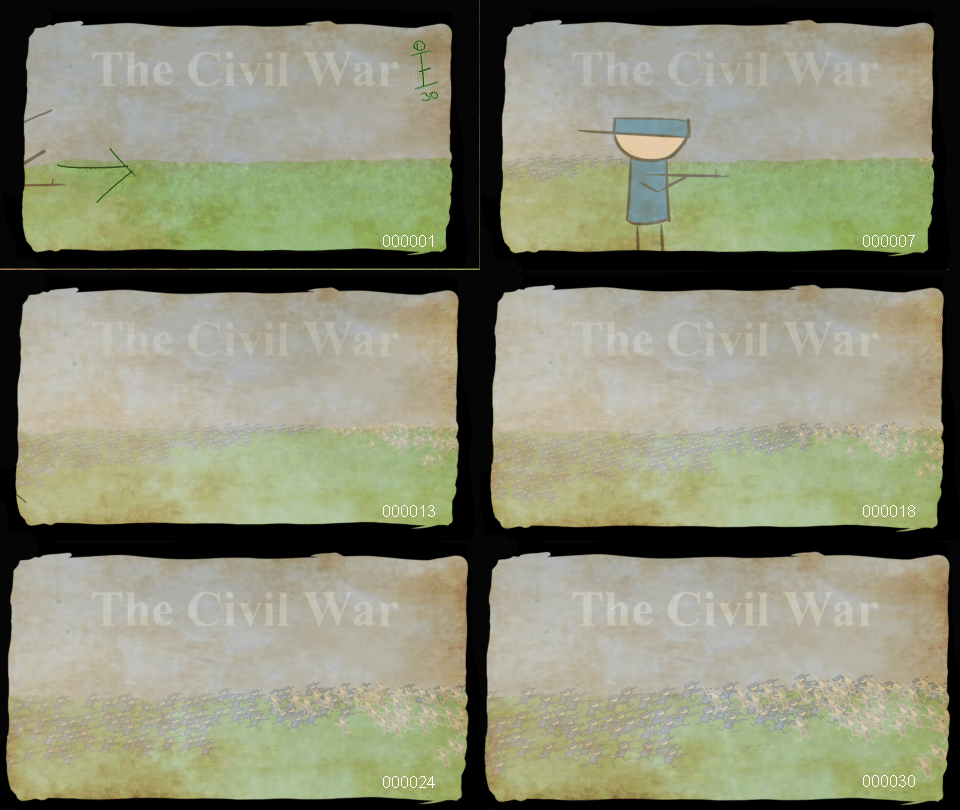
 This is a quick example of how useful the ‘copy’ of a level can be as it will automatically update when the original is changed.